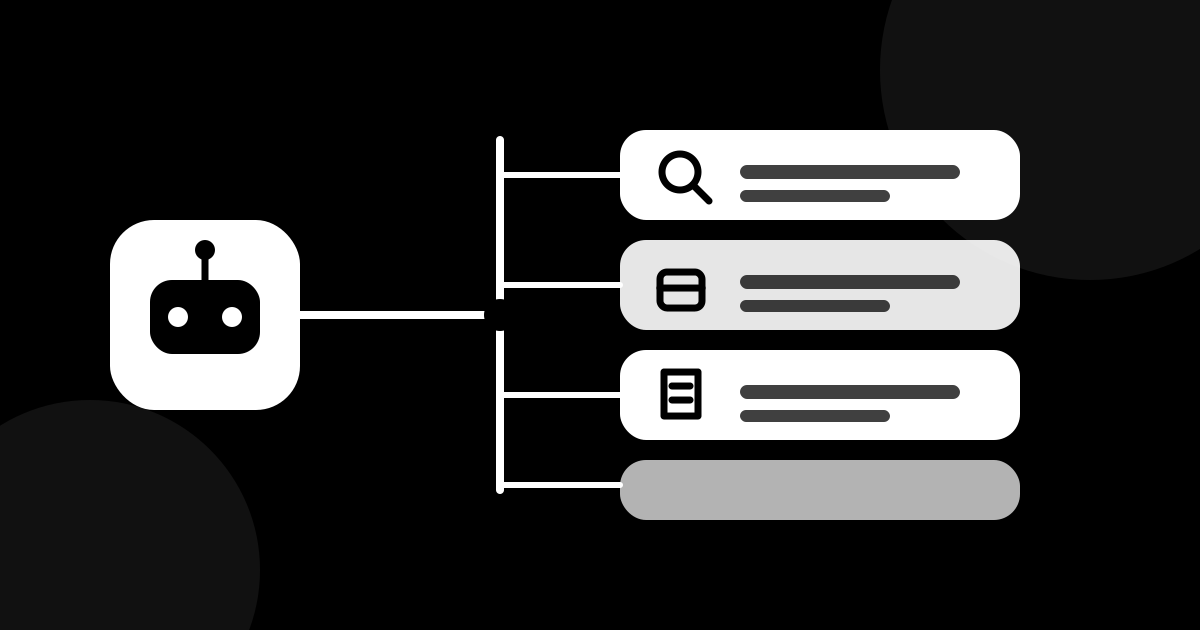
A language model on its own can’t browse the web, open your calendar or send an email. It can only produce text. Tools are what let an agent act in the real world.
How a tool call works
- You give the agent a goal: “find three flights under $400”.
- The model writes a structured request, such as search flights, from A to B, date X.
- The harness runs the real search.
- The result comes back, and the model reads it and decides what to do next.
The model never touches your apps directly. The harness does it, and can check every request first.
Two kinds of tools
- Read tools look but don’t change anything: search, read a file, check a calendar.
- Write tools change things: send, create, delete, pay.
Read tools are low risk. Write tools deserve limits and your approval.
What is MCP?
Every app has its own way of connecting, which makes agents hard to wire up. MCP (Model Context Protocol) is an open standard for connecting agents to tools and data. Think of USB-C: one common plug, so you can swap parts without rebuilding everything.
If your assistant offers “connectors” to Drive, Slack or a calendar, that’s usually the idea at work.
Practical tips
- Connect only what the task needs. Fewer tools means fewer mistakes.
- Start read-only. Let the agent look before it acts.
- Review what’s connected from time to time, and remove what you don’t use.
- Treat outside text as data, not orders. A web page or email might contain hidden instructions aimed at the agent (prompt injection). A good harness and a careful user don’t follow commands that arrive inside content.
Next step
Tools make an agent useful, and limits make it safe. We cover the second part in our post on guardrails.